
Downloading writing tasks from NZCER Assist
Once learners have been added to a PAT Tuhituhi Te Pihinga assessment, you can print out the writing task (pdf) for the assessment. The following steps and images outline how to download a PAT Tuhituhi Te Pihinga task from NZCER Assist.
1. Go to Dashboard and select PAT Tuhituhi Te Pihinga
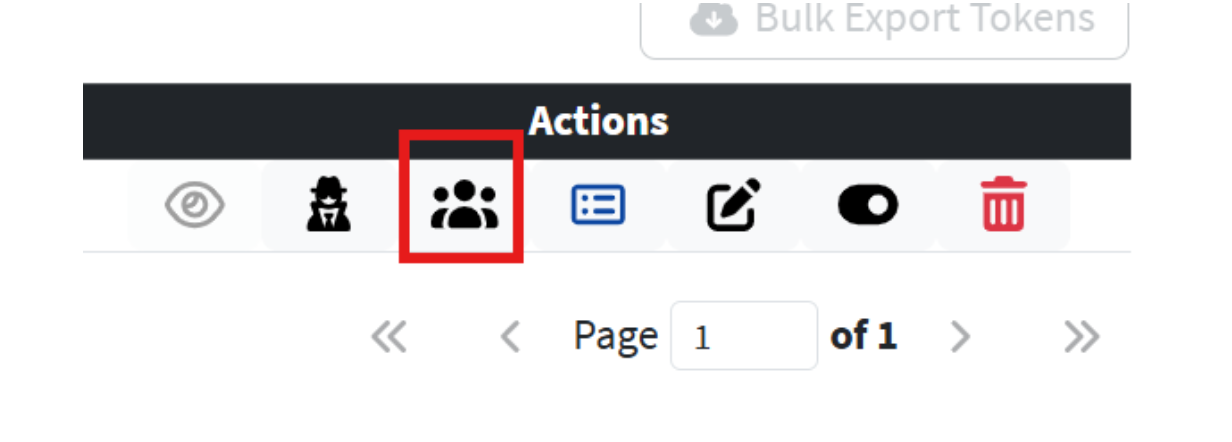
2. Find the relevant assessment and select Manage Learners to the right of the table, under Actions.
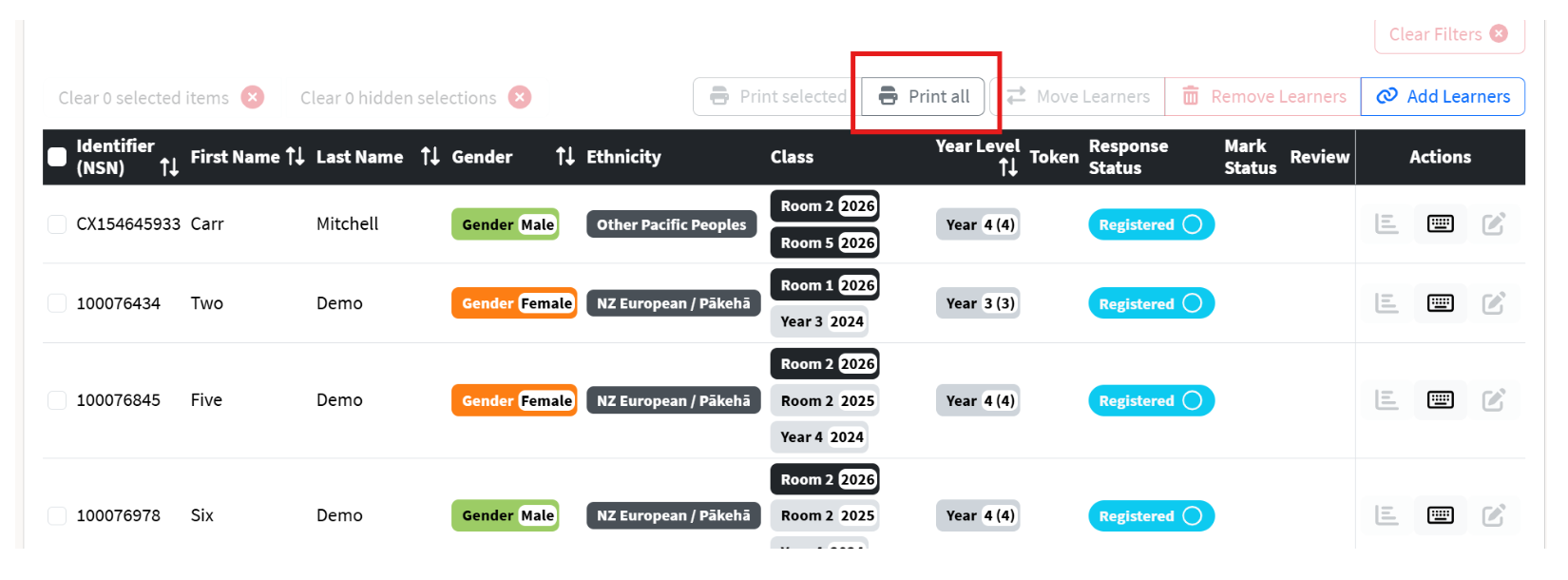
3. Click Print all – this will select all learners in the assessment and create an individual writing task for each
learner with their name displayed on their task.
4. Click Print, save as PDF and print out the tasks
5. Hand out each learner’s individual test – see attachment PAT Tuhituhi Te Pihinga Aratohu Kaiako (Kaiako Guide) on how to Administer the test
6. Repeat this process with all PAT Tuhituhi Te Pihinga assessments created.